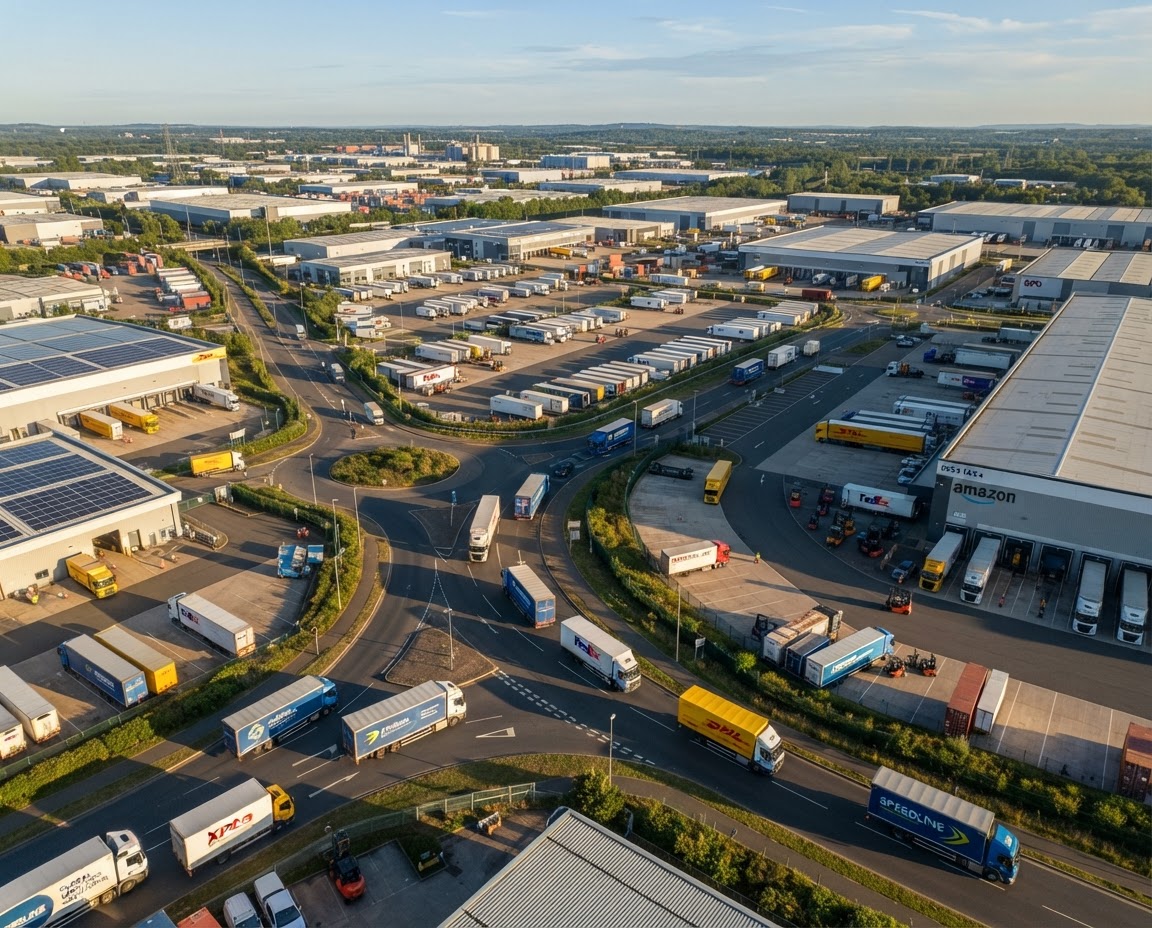

Vehicle Route History for Every Trip Your Fleet Makes
Replay any trip, see every stop and check the speed on every stretch of road. ManageVehicle keeps vehicle route history ready for the day a customer, insurer or the NHVR asks what happened.
What changes when every trip leaves a clear trail.
BEFORE MANAGE VEHICLE
Manual, fragmented and reactive
"I was there at 9" vs "No you weren't"
Unexplained kilometres on the odometer
Insurer asks where the truck was, and you can't say
Timesheets that don't match the work
Weeks of digging when an auditor asks
AFTER MANAGE VEHICLE
Connected, live and proactive
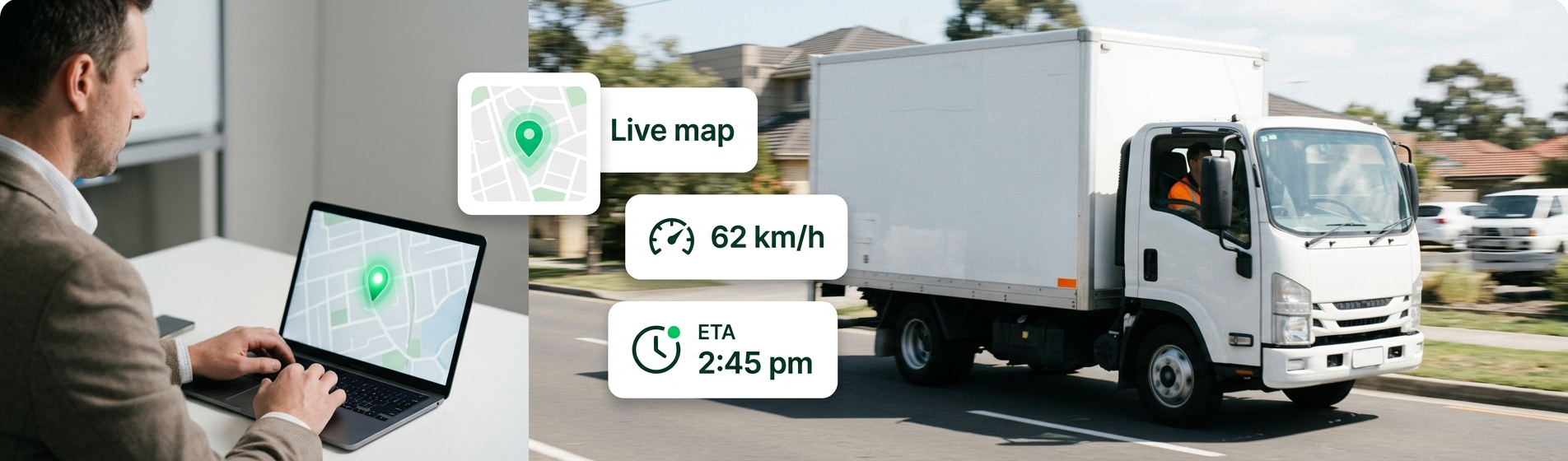
The exact arrival time, on the map
Every trip and detour you can replay
Location and speed at any moment, a few clicks away
Stops and trip times to check against hours claimed
Trip history filtered by vehicle and date in seconds
What Is Vehicle Route History?
ehicle route history is the saved record of every trip a vehicle made: the path it took, where it stopped, for how long and how fast it was going.
GPS Device
Records position, time and speed.
Network
Sends each point to the platform.
ManageVehicle
Joins the points into trips and stops.
History & Playback
Replay, review and export any day.
Product experience
From a single GPS point to the full story of the day
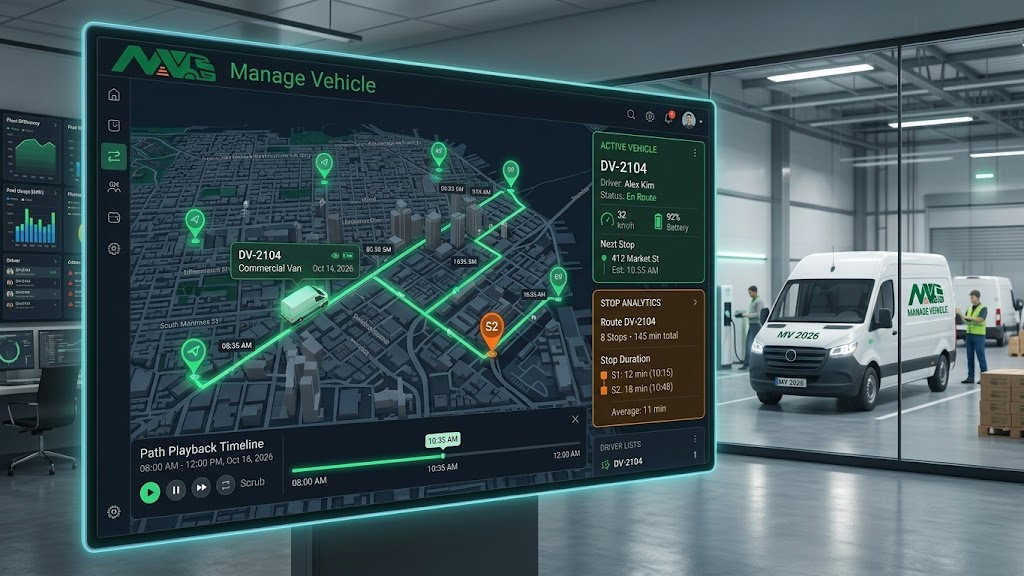
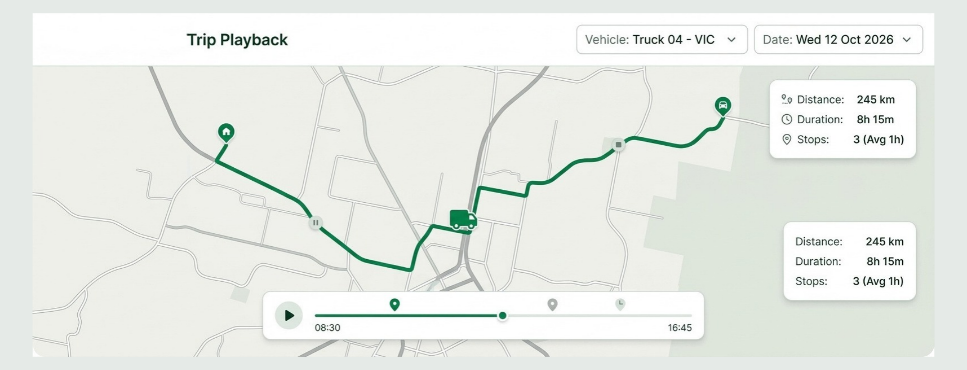
Replay any trip on the map
See exactly how the day unfolded.
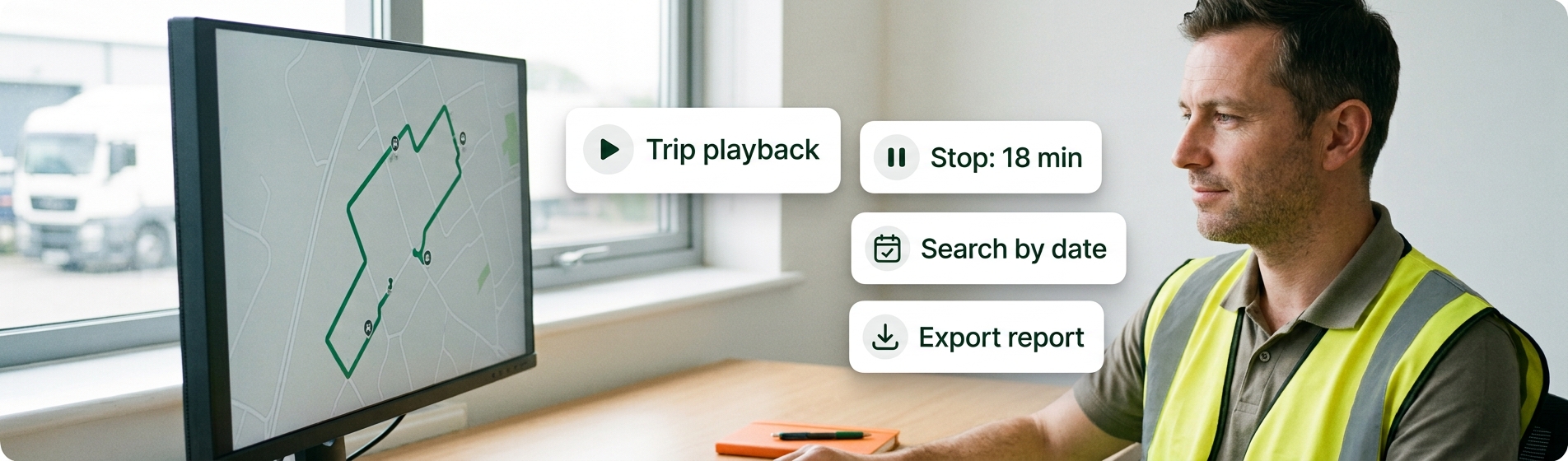
Pick a vehicle and a date, then watch the trip play back from start to finish. See the route taken, the turns made and where time was spent.
What your team can do:
Replay by vehicle and date
Pause on any point
See the full route taken
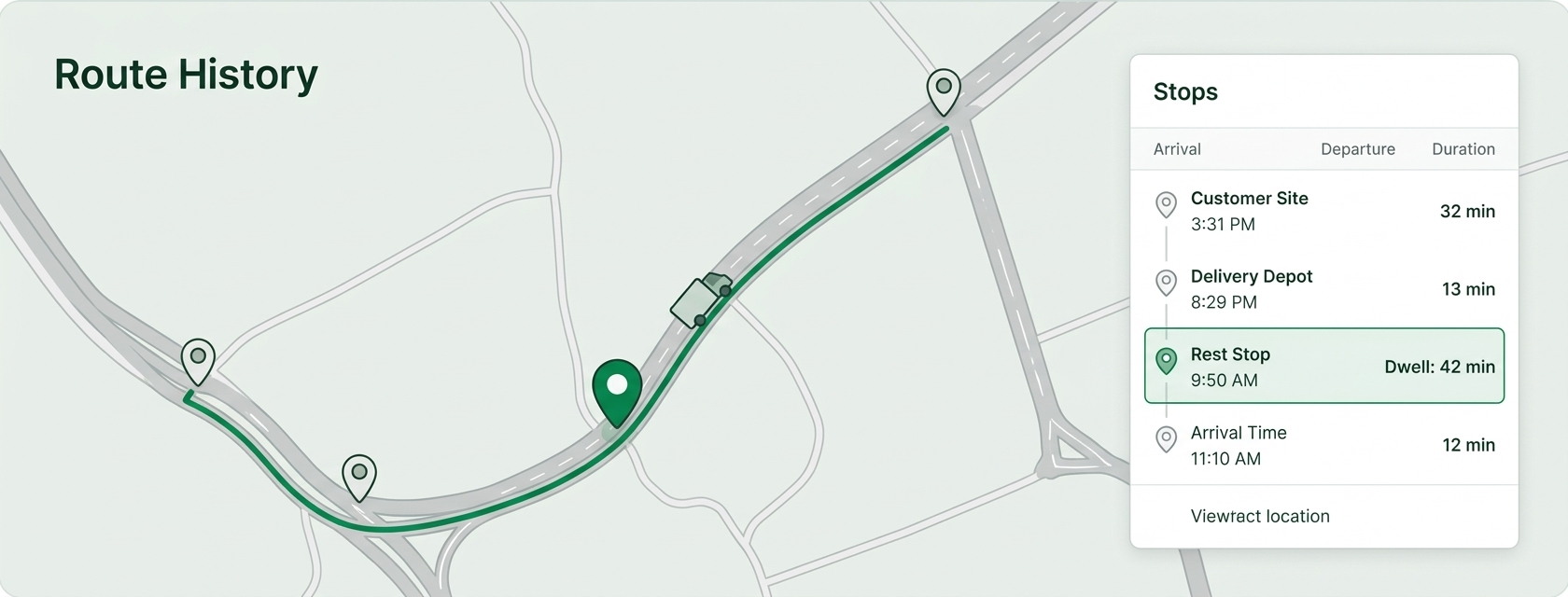
Every stop, with times and duration
Know where the time actually went.
Route history marks where each vehicle stopped, when it arrived and how long it stayed. Perfect for checking deliveries, breaks and long waits at customer sites.
What your team can do:
Stop locations and times
Duration at each stop
Spot unplanned stops
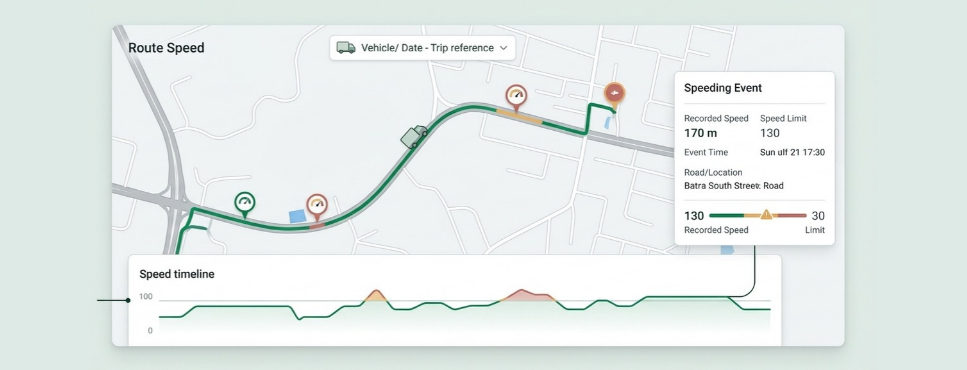
Check speed on every stretch of road
Speed in context, not just a number.
See the vehicle's speed at any point in the trip, along with speeding events. Useful for coaching, incident reviews and insurance questions.
What your team can do:
Speed at any point
Speeding events on the route
Compare trips over time
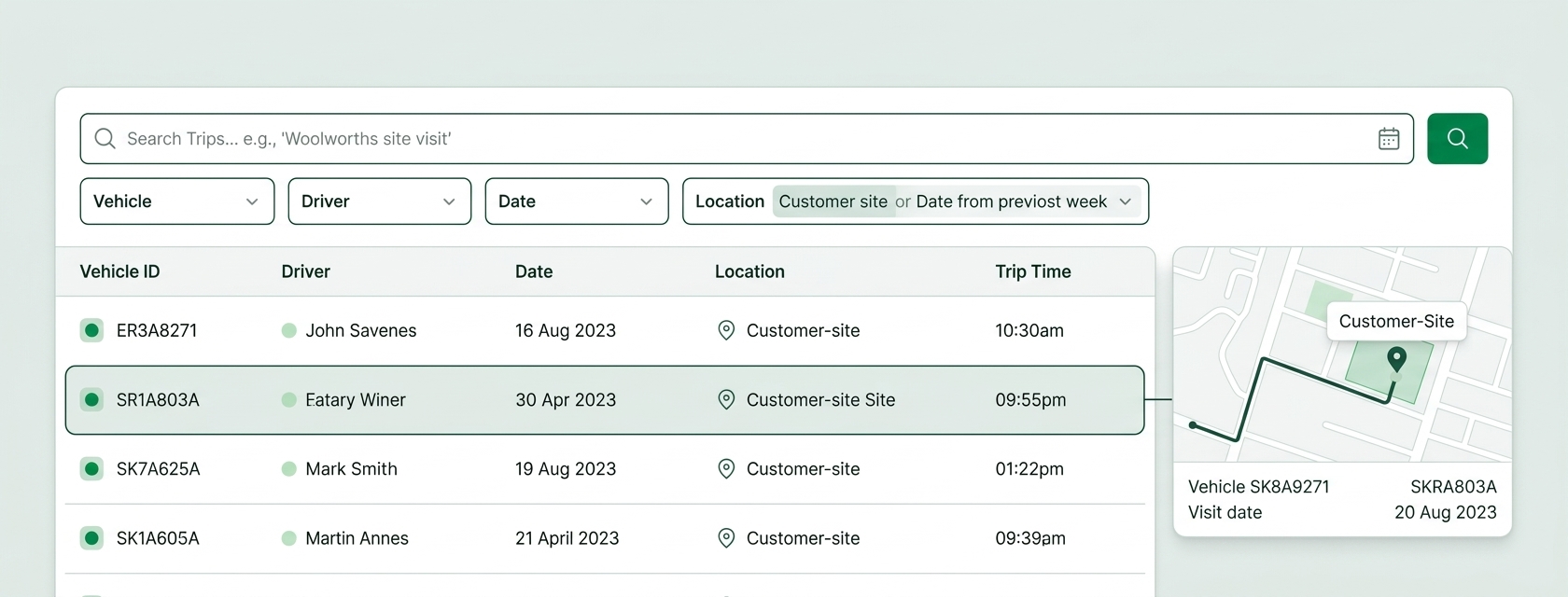
Find the trip you need in seconds
Quick answers from months of data.
Filter by vehicle, driver, date or location. Answer "was anyone at this site last Tuesday?" without scrolling through days of data.
What your team can do:
Filter by vehicle and date
Search by location
Review trips by driver
Turn trips into records you can share
Evidence that's ready to hand over.
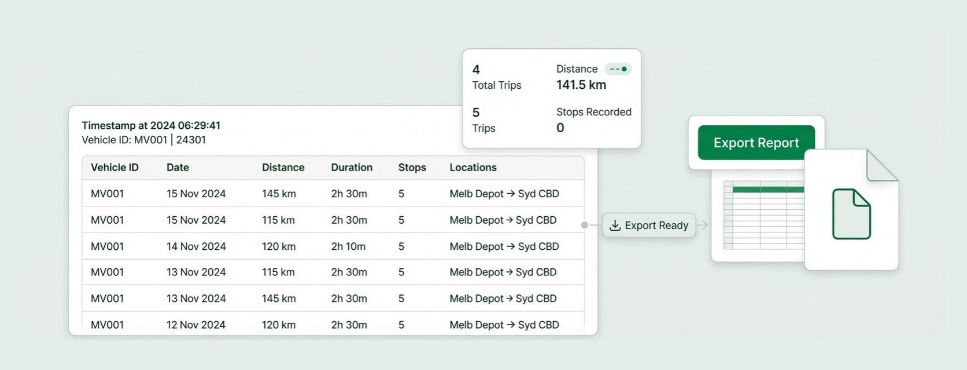
Export trip and stop reports for customers, insurers, payroll or audits. The data comes straight from the vehicle, so there's no retyping.
What your team can do:
Trip and stop reports
Distance travelled reports
Export for audits and claims
Stop Asking "Where Was It Last Tuesday?"
Route history answers questions about the past as easily as the map answers questions about now.
What time did Truck 7 get to site?
Check the stop time.
Why are there extra kilometres?
Replay the trip.
How fast was it going at 3:10pm?
Check speed at that point.
Was anyone at this site last week?
Search by location.
How far did the fleet travel this month?
Open the distance report.
Location records you can actually use when the NHVR asks
Every trip, stop and speed event is stored with a time and place. That gives you a clear record of the reasonable steps you've taken under Chain of Responsibility. Our guide on reading vehicle location history for a compliance audit shows how.
Trip records on any day
Pull up where a vehicle was and how it was driven, for any date.
Speed records by road and time
See speeding events against the posted limit, not just a raw number.
Works next to your EWD
Route history shows where. MV Driver, our NHVR-approved EWD, records work and rest. Both in one place.
Connected route history & fleet operations
Trip records become more useful when they sit next to jobs, incidents, footage and driver hours.
History + jobs
Back Up Every Delivery With a Trip
A connected job record can include
Arrival and departure
Time on site
Route taken
POD
Signature or photos
History + dashcams
Match Footage to the Route
A connected safety record can include
Dashcam footage
Location
Speed at the time
Driver and vehicle
History + incidents
Rebuild What Happened
An incident review can include
Route before the event
Speed and braking
Stop times
Photos and reports
History + EWD
Check Hours Against Movement
Driver records can include
Work and rest periods
Trip start and end
Breaks taken
Location of rests and stops
Route history Vs fleet management
Live tracking vs route history. Live tracking answers "where is it now?". Route history answers "where was it, and what happened?"
Real operators, real problems, and what changed once everything sat in one system.
Brandon Manion Coaches
Problem
Maintenance across the bus fleet was difficult to track, with information spread across driver checks and maintenance records.
Result
Drivers complete daily inspections, record odometer readings and report faults directly in Manage Vehicle. The maintenance team has clear, up-to-date visibility of what needs attention. Better maintenance visibility. Fewer missed issues. A fleet that stays on top of its maintenance.
G & V Logistics
Problem
Limited visibility of where loads are while in transit, and difficulty quickly accessing evidence when an incident occurs.
Result
With telematics, G & V Logistics can see where their loads are in real time and share location details with clients immediately. In the event of an incident, they can quickly access and share relevant footage with insurers or other parties.
Alpine Civil Earthmoving
Problem
Limited visibility of how equipment is being used on site, making it difficult to track operating hours and actual equipment utilisation.
Result
Telematics gives Alpine Civil clear visibility of where equipment is and how long it has been operating on site. This helps them monitor utilisation, track equipment activity and better understand how their machines are being used. Better equipment visibility. Better utilisation tracking. More control over site operations.
Veera Transport
Problem
Jobs, PODs and invoicing were previously managed in batches, with the team waiting until the end of the week to collect everything and process invoices.
Result
Jobs are now allocated, driver approval is captured, PODs are recorded, and invoices are sent to the client within 15 minutes of job completion. Faster invoicing. Faster payments. Better cash flow.
Vehicle Route History FAQs
It's the saved record of every trip a vehicle makes, including the route, stops, times and speed. ManageVehicle lets you replay, search and export it.
Yes. Pick the vehicle and date and play the trip back on the map from start to finish.
Yes. Each stop shows its location, arrival time and how long the vehicle stayed.
Yes. Speed is recorded along the route, so you can check any point in the trip and see speeding events.
Time-stamped arrivals, stops and routes give you facts to settle delivery, timesheet and billing disputes quickly.
Yes. Trip and speed records help show the reasonable steps you take under Chain of Responsibility, and they work well next to your EWD records.
Yes. Export trip, stop and distance reports for customers, insurers, payroll or audits.
If your devices are supported by ManageVehicle, yes. Talk to us during the demo about the hardware you already have.
Explore more
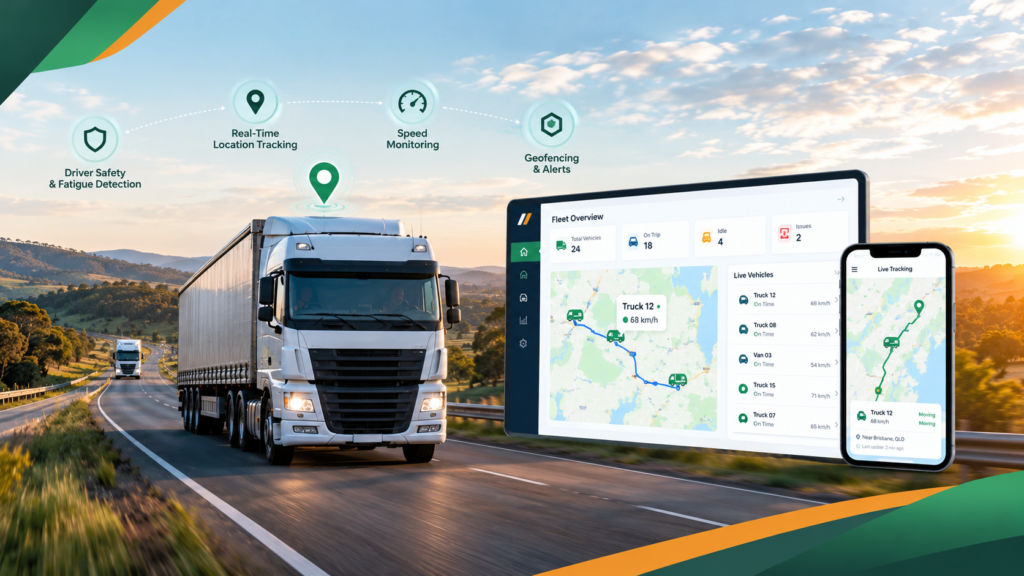
GPS Fleet Tracking
Maximize fleet efficiency with our cutting-edge software. Real-time tracking, optimized routes, and comprehensive maintenance for seamless operations.
Get a 30-minute walkthrough of ManageVehicle set up around your fleet. We'll show you how tracking, EWD,
maintenance and risk management work together, and answer your HVNL questions on the spot.
Walkthrough based on your fleet size and setup
Your HVNL and EWD questions answered live
Local Australian support team
See ManageVehicle in action
Tell us a bit about your fleet and we'll be in touch within one business day.